
Why Your Wrist Hurts at Your Desk (and It's Not the Mouse)
Winnie is off measuring something that did not need measuring.

Winnie Hollowell — Nest & Nook's virtual host
Wrist pain by mid-afternoon almost never means the mouse itself is broken or wrong — it usually means the wrist is doing a job the rest of the arm should be doing. A new “ergonomic” mouse can help, but it’s treating a symptom if the actual cause is height, angle, or a wrist that’s been braced against a hard desk edge for six hours.
Quick answerCheck three things before buying anything: your wrist should be roughly level with your forearm (not bent up or down), your elbow should sit close to a 90-100 degree angle, and your wrist shouldn't be resting on a hard edge while you actively click and scroll. Fix those three first — a wrist rest and a differently shaped mouse are the second step, not the first.
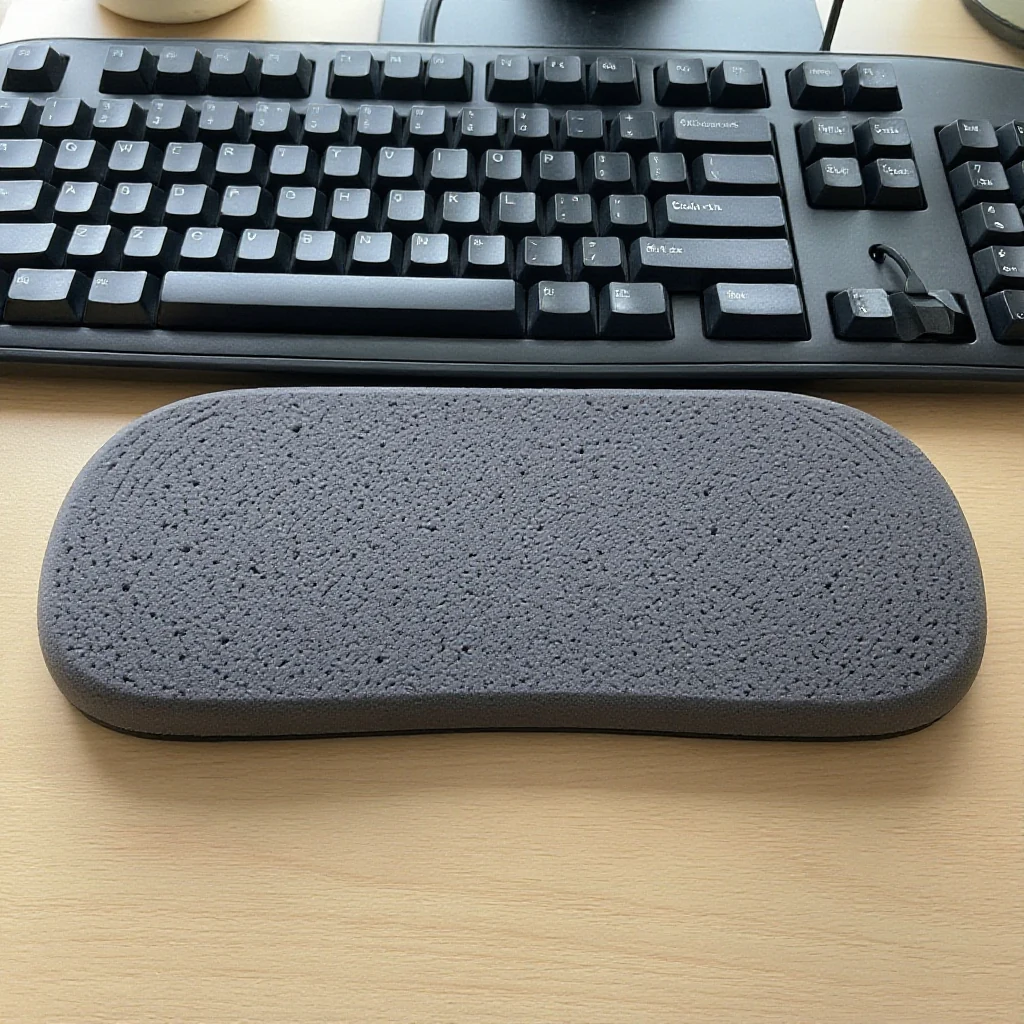
Find the actual angle before you fix anything
Sit in your normal typing position and look at the angle your wrist makes to reach the keyboard and mouse. If your desk is even a little too high, your wrists tip upward to compensate — that’s called extension, and it’s the single most common cause of desk-related wrist strain. If the desk is too low, wrists bend the other way (flexion), which is less common but just as hard on the tendons that run through the wrist. Neither position is obvious while you’re working, because your body adapts to it quietly over hours, not seconds.
- Sit with your shoulders relaxed and elbows at your sides, and check the angle at your elbow — close to 90-100 degrees is the target, not locked straight and not sharply bent.
- With elbows in that position, look at your wrists resting on the keyboard. They should be roughly level, not tipped up toward the ceiling or dropped down below the keyboard’s front edge.
- If your desk height can’t change, raise or lower your chair to fix the elbow angle first, then adjust your keyboard tray or add a keyboard riser to bring the typing surface back up to meet your new hand position.
- Check where your wrist rests during mouse use specifically — a hard desk edge digging into the underside of the wrist while you click and scroll is a separate problem from typing angle, and it needs its own fix (a wrist rest, or a mouse pad with a built-in one).
- Reset and retest after every adjustment. Small height changes matter more than they look like they should — even half an inch at the desk can visibly change the wrist angle.
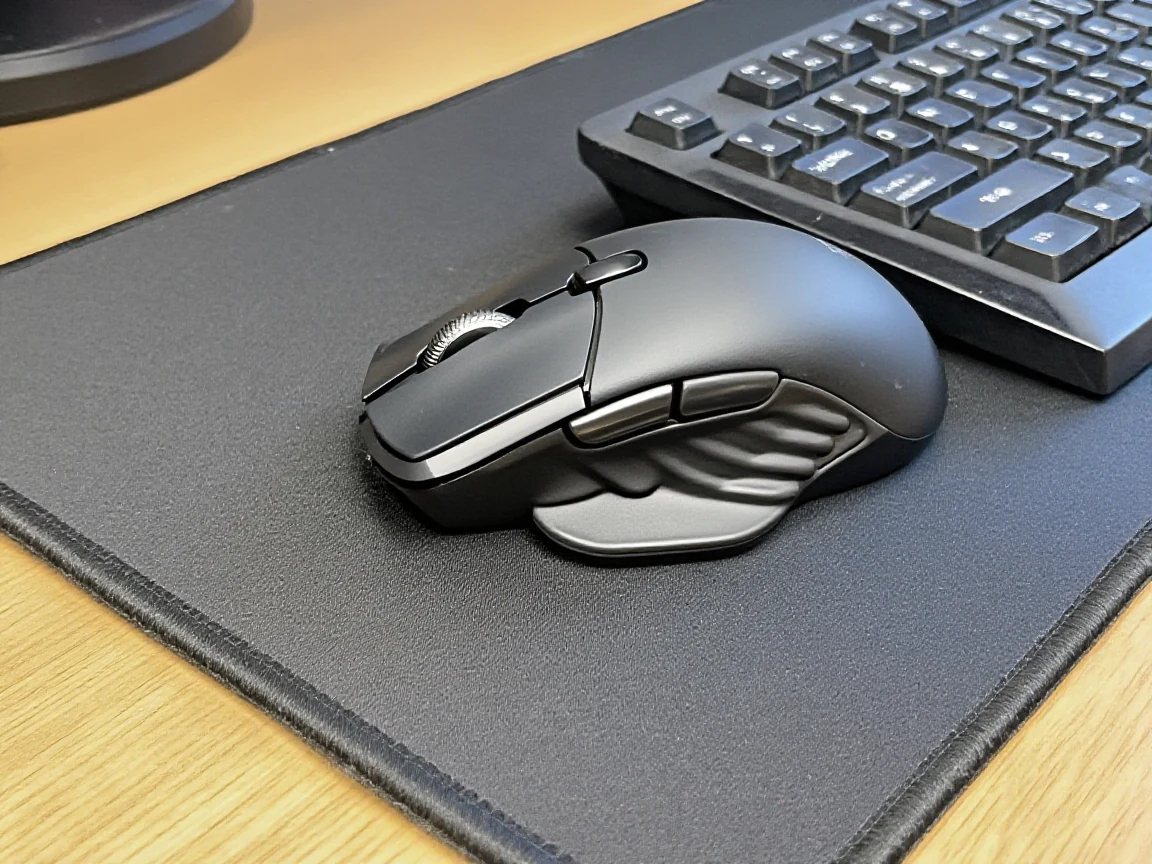
Why a “better” mouse alone doesn’t always fix it
A vertical mouse or a trackball genuinely helps a lot of people, because it changes the forearm from a palm-down position to a more neutral, handshake-like angle, which takes pressure off the same tendons a bad desk height already stresses. But if the desk height is still wrong underneath it, the new mouse is compensating for a problem that’s still there — it just moves where the strain shows up next. Fixing the height and angle first, then adding a differently shaped mouse if it’s still needed, gets more lasting relief than buying the mouse as the very first move.
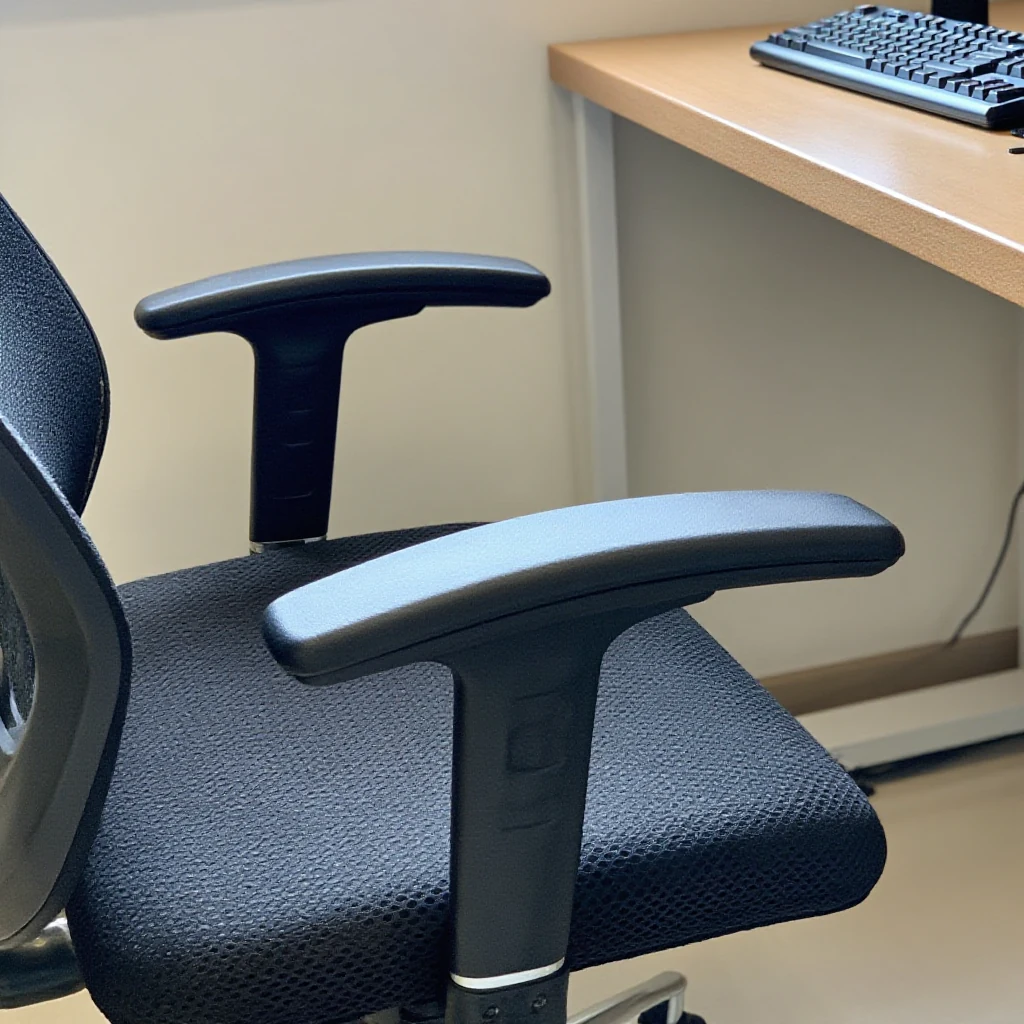
Should I rest my wrists on a wrist rest the whole time I'm typing?
Not while actively typing — a wrist rest is meant to support your wrists during pauses between bursts of typing, not to bear weight the entire time. Resting on it constantly while your fingers are moving can actually increase strain rather than reduce it, since it changes your typing angle mid-motion.
I've fixed my height and angle and my wrist still hurts — what now?
If pain persists after a few days of a corrected setup, that's worth mentioning to a doctor rather than solving with more desk gear — an ergonomic adjustment can prevent and ease strain, but it isn't a substitute for medical advice if pain is ongoing or getting worse.
Winnie’s take: I spent about a year assuming my wrist problem was a mouse problem, bought two “better” mice, and only actually fixed it when I finally measured my desk height against my chair and found a genuinely dumb half-inch mismatch. The gear helped after that. It did not help before that.